
Memory & transfer
Sony MRW-S1
An SD card reader for moving files to a computer after a shoot.
Inspect a transfer across the whole shoot
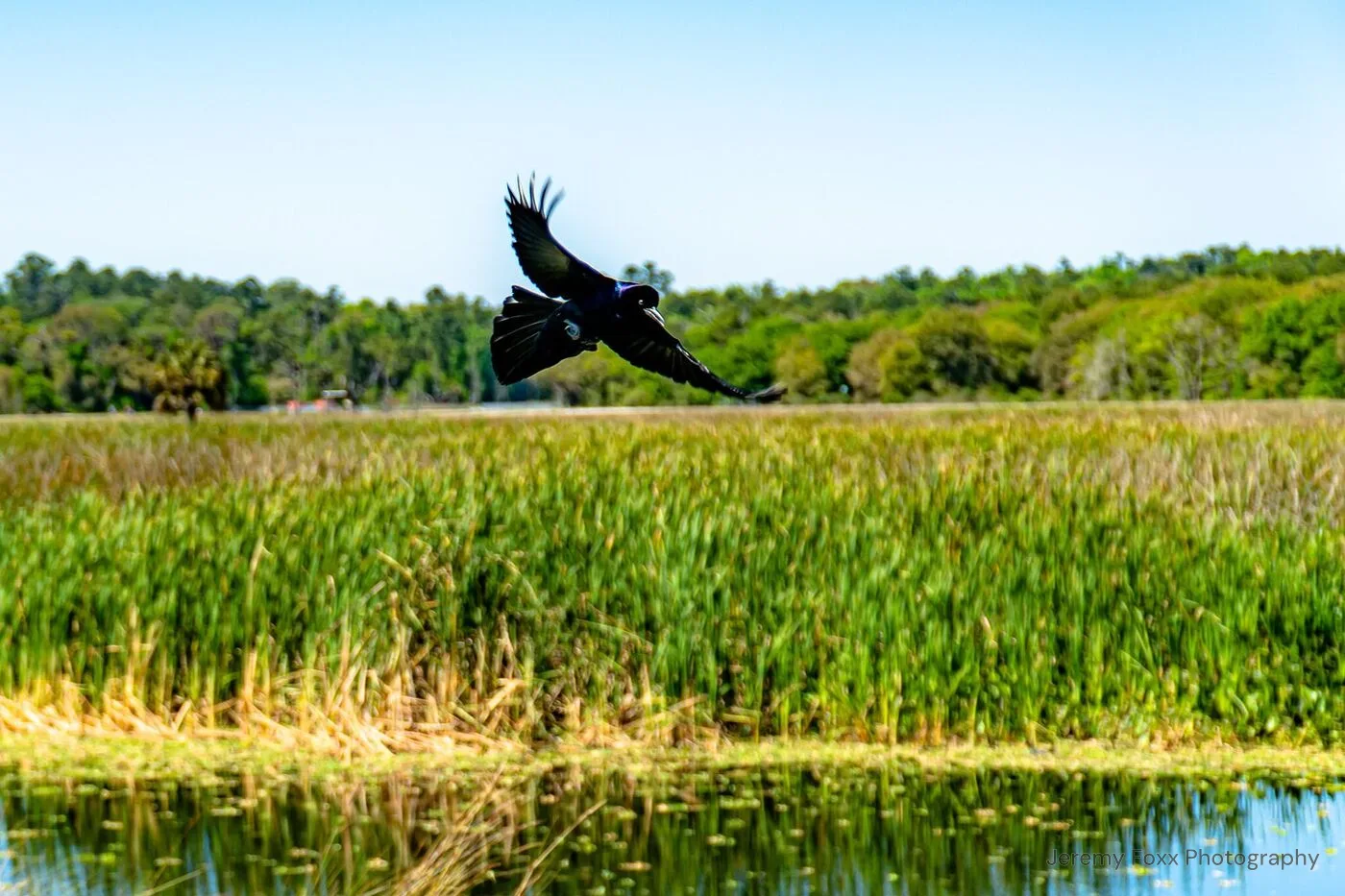
An early file
Open an early RAW file from the destination drive. In a photograph like this one, fine reeds around the flying bird give you a place to examine at full size after the preview resolves.
Camera settings
Sony α7R II (ILCE-7RM2) · E PZ 18-105mm F4 G OSS · 51 mm · f/4 · 1/640 s · ISO 100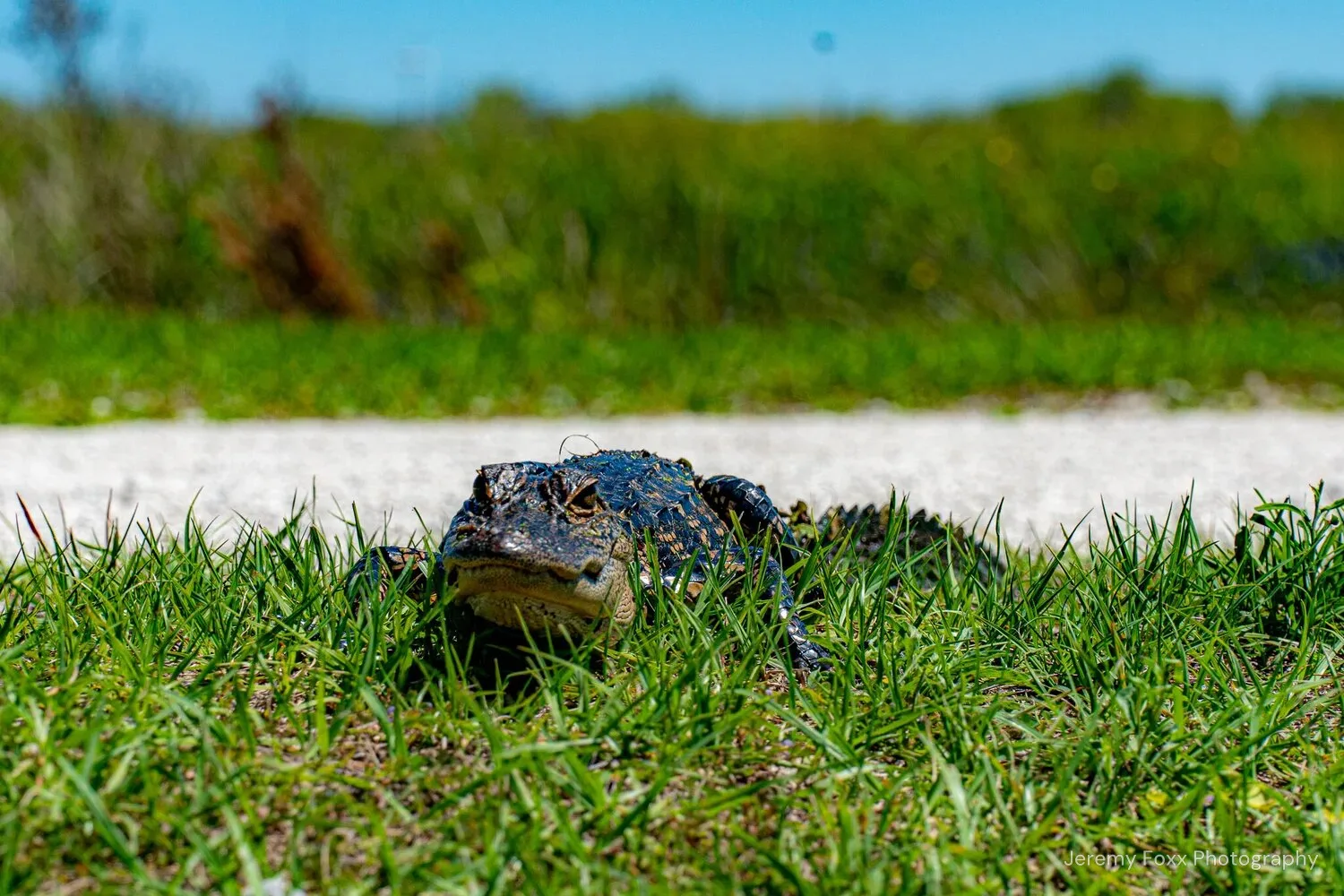
A later file
The alligator appears much later in the wetlands filenames. Open a late file too, compare the complete folder count, then verify your second copy before putting the card back into rotation.
Camera settings
Sony α7R II (ILCE-7RM2) · E PZ 18-105mm F4 G OSS · 105 mm · f/9 · 1/800 s · ISO 100Where it helps
Back from a walk, you can put the Sony away and leave this little reader doing the copying. The UHS-II mark is about the connection between the reader and the card. Look at the back of a UHS-II card and you’ll see an extra row of contacts. The α7R II uses the slower UHS-I connection inside the camera. The reader can use that extra row when you bring the card to the computer.
How to use it
Push the card into the reader, plug it into a compatible USB port, then copy the whole shoot folder. Open a few copied photos from the drive. If you shot RAW, open the actual camera files so you know you can still edit them. Eject the card on the computer before unplugging.
Try it yourself
After a wetlands walk, copy one card directly to your working drive, then make a second copy. Leave the card intact until both folders have the expected file count.
What reviewers found
Keitai Watch measured 98 MB/s reading a card rated at 95 MB/s and found the reader small enough to leave in a desktop USB port. Ponkoshu used the MRW-S1 to write to two generations of SanDisk Extreme Pro cards. The UHS-II card exceeded 200 MB/s, while the UHS-I card reached about 87 MB/s. Those results show how much the card itself matters when choosing a reader for large photo transfers.