
Mobile video
Freefly Movi Cinema Robot
A phone stabilizer for controlled pans and moving shots.
As an Amazon Associate I earn from qualifying purchases.
Choose where a reveal will finish
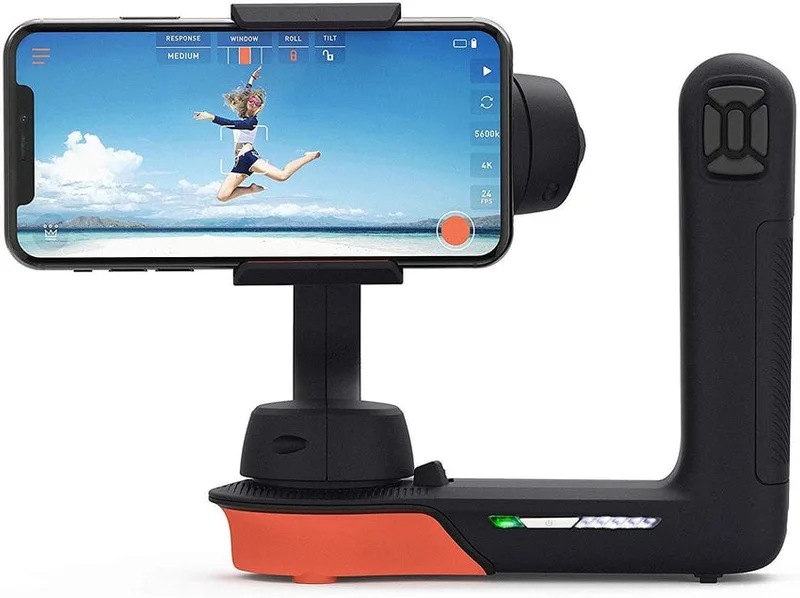
Set the end frame
Set the base on a level table, settle on your final framing and mark the base position. That gives the second take the same destination even if you change where the move begins.
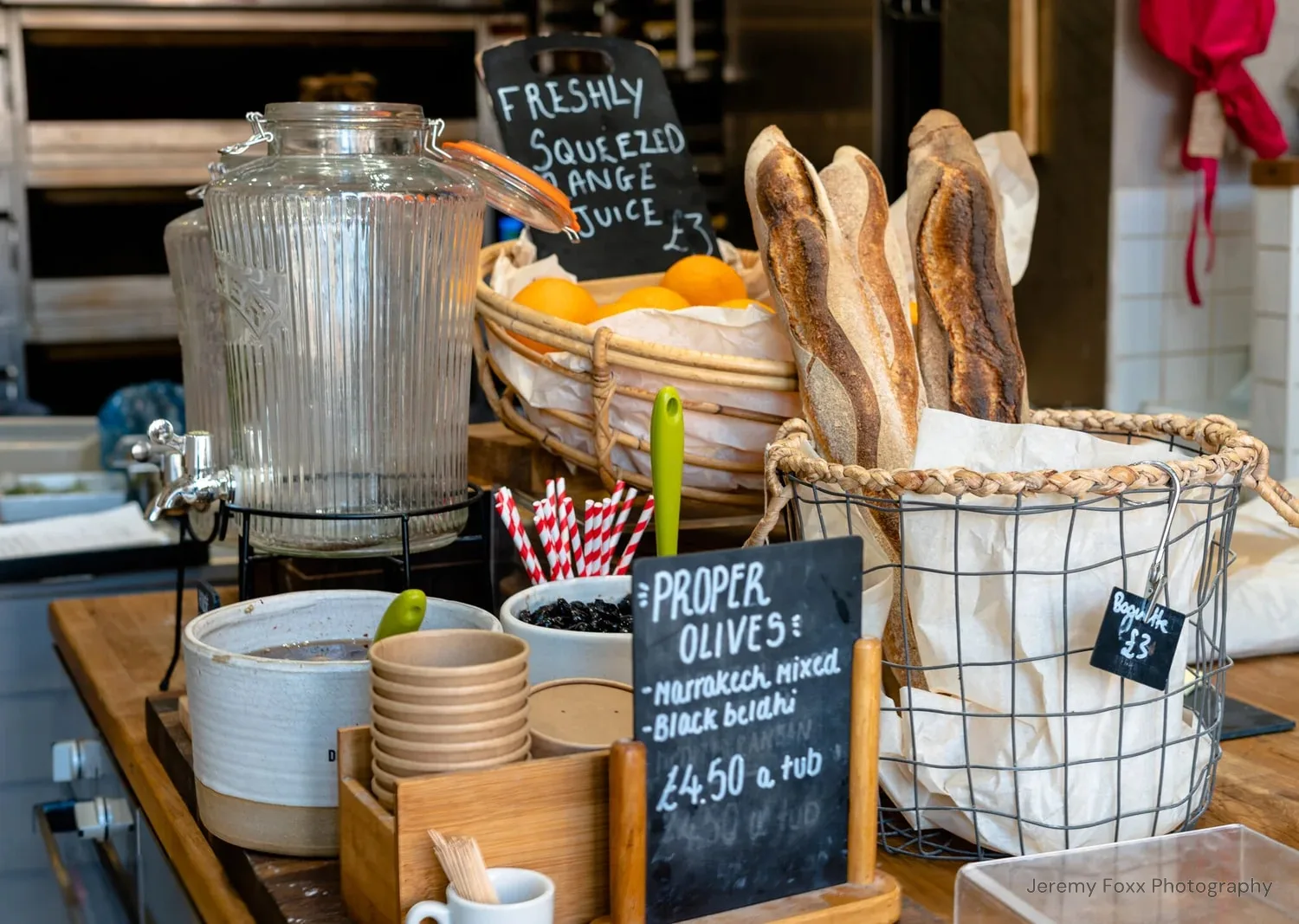
Plan the reveal
The baguettes, oranges and cups make distinct stops along this counter. For a short clip, choose two of them and move between them once. Let the last object sit still on screen before ending the take.
Camera settings
Sony α7R II (ILCE-7RM2) · FE 50mm F1.8 · 50 mm · f/4.5 · 1/8 s · ISO 100Where it helps
The flat base gives this phone stabilizer a useful second job. Set it on a counter and you can repeat the same slow turn across a row of prints. That turn is a pan. Pick it up and the motors steady the phone as you move. With an older device like this, try your phone with the companion app before planning a shoot around it.
How to use it
Balance the phone with power off and start with a simple follow move. Place the base on a level surface and check your start and end framing. Test capture and playback before relying on a programmed move.
Try it yourself
Set up a slow reveal across a table of prints. Repeat it with the same end frame and a different starting print so the two clips can cut together.
What reviewers found
The iPhoneographers’ walking test produced smooth footage and showed how the operator’s steps affected the shot. They preferred the recording quality of a different app. Owners reviewing Movi on Apple’s App Store valued the native app’s access to gimbal controls, while one missed subject tracking. These are experiences with the app versions and phones available at the time.